
the guide · 2 minutes
Moving in.
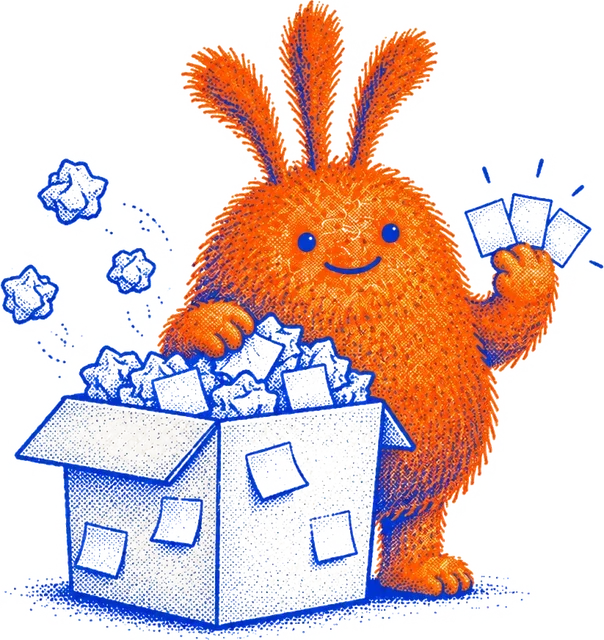
Bring your list from any app. Tick what comes along, leave the rest behind. Nothing lands on today, and one tap undoes it all.
Todoist
- Open a project, tap ⋯ → Export as a template → Download as CSV file.
- In Nuffo: Bring your list → drop the file in. Do it once per project you care about.
Repeating tasks come in once, without a date: Nuffo has no repeats. Completed tasks aren’t in the export.
TickTick
- Settings → Account → Generate backup. You get one CSV with every list.
- Drop it in. Completed tasks stay behind on their own.
Things 3
- Open a list (Anytime works well), press ⌘A then ⌘C.
- Paste into Bring your list. One to-do per line; headings become groups.
Things has no export file, so copy and paste is the way. It takes a minute per list.
Apple Reminders
- On iPhone, in the Nuffo app: Settings → Bring your list → allow Reminders, tick what comes along.
- On a Mac: select the reminders, ⌘C, and paste them on the web.
Nuffo only reads your reminders. It never changes or deletes them.
Google Tasks
- Go to takeout.google.com, deselect all, tick Tasks, export.
- Unzip it and drop Tasks.json in.
Trello
- Board menu → Print, export and share → Export as JSON.
- Drop the file in. Archived cards and anything in a “Done” list stay behind.
Notion, Asana, Linear, spreadsheets
- Export the database, project or sheet as CSV.
- Drop it in. Nuffo finds the name, status and due-date columns by their titles.
Microsoft To Do, Any.do, Sunsama, paper
- Select your tasks and copy them (or type them out, one per line).
- Paste into Bring your list. Checkboxes, bullets and numbers are cleaned up for you.

Leaving is just as easy
Your list is yours. In settings → your data, download a readable Markdown list (it pastes straight into Things, Apple Notes or Obsidian), a CSV that Todoist and TickTick can import, or everything as JSON. A Nuffo JSON file also comes back in, if you ever return.
Or ask your AI to move it
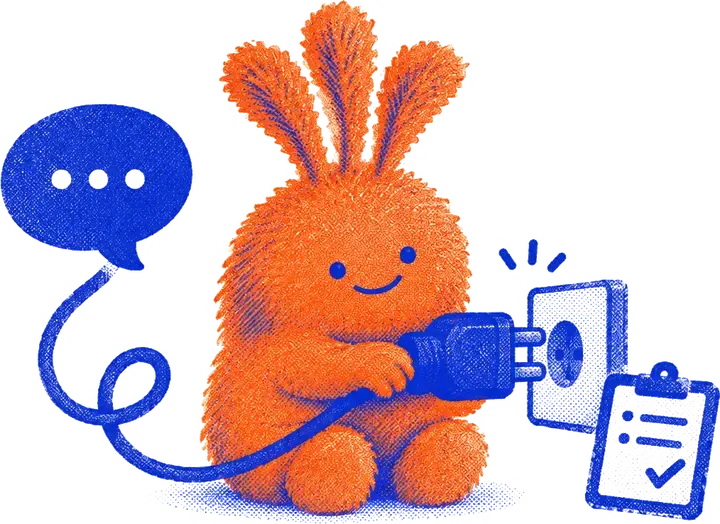
If Claude or ChatGPT can already see your Todoist, Notion or Asana, connect Nuffo too and ask: “move my Todoist inbox into nuffo”. Each thing it adds gets a receipt you can undo, and your AI can’t touch today.
Quick answers
Will importing fill my day?
No. Everything lands in later, wishes or the pen. Today holds three things and only you pick them, so importing 200 tasks never gives you a 200-task day.
What happens to old and done tasks?
Done tasks stay behind. Anything nobody touched in six months starts unticked, so you can leave it behind without deleting it anywhere. You can still tick it if it matters.
What about my projects?
Project names travel along as a label on each task. Nuffo keeps you to three active projects, so it doesn't turn your old projects into new ones. Big new ideas go to the pen and wait 7 days, like any new idea.
Can I undo an import?
Yes. The whole import is one receipt, and one tap undoes all of it.
Is my file uploaded?
No. The file is read in your browser. Only the things you tick are sent to Nuffo and saved.
How do I leave Nuffo?
Settings → your data. Download a readable Markdown list, a CSV that Todoist and TickTick can import, or everything as JSON. No questions, no exit survey.
Still choosing? Nuffo next to Todoist, Things, TickTick and the rest.